
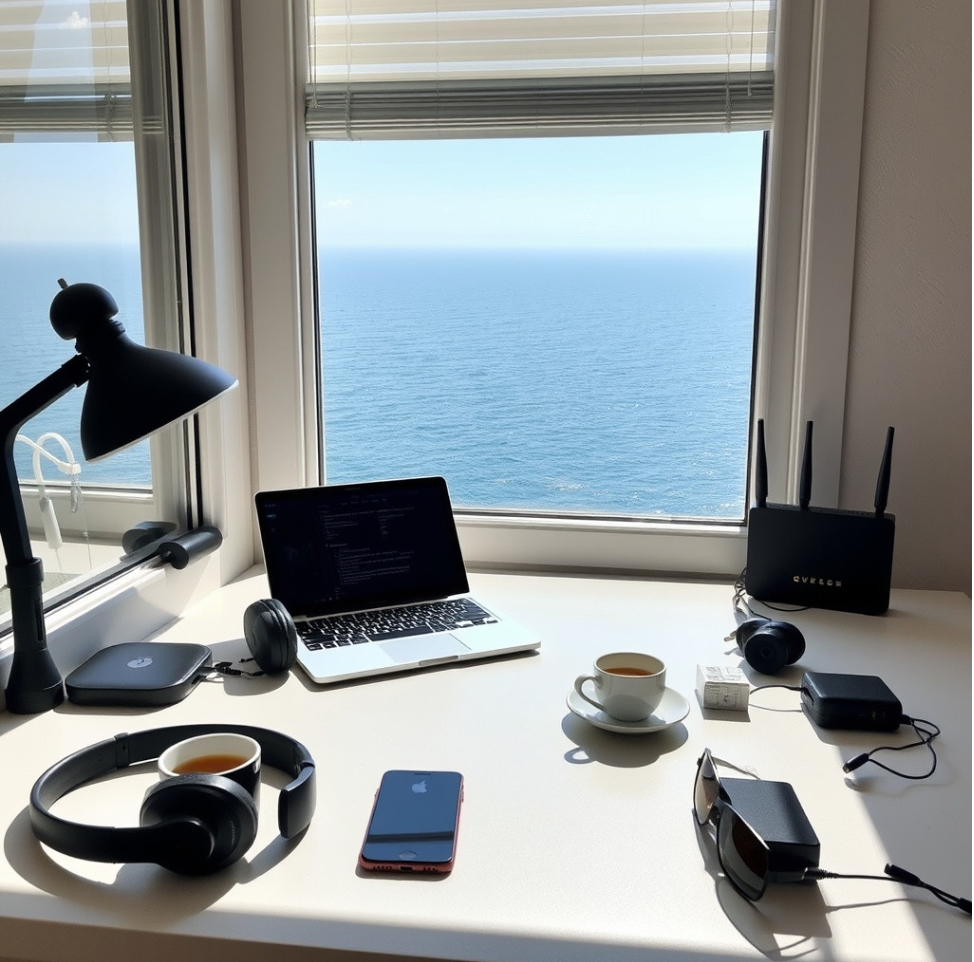
In today’s world, where remote work is more accessible than ever, many of us have taken the opportunity to blend our professional responsibilities with the joys of travel. It’s no longer a dream to work from a sunny beachside café in Thailand or to join meetings from a cozy lodge in the Swiss Alps. However, the reality of being a digital nomad requires the right tools, technologies, and strategies to maintain productivity and stay connected seamlessly. Here’s a comprehensive guide to ensure your remote work travel experience is both efficient and enjoyable.
Choosing the Right Gear

When you’re working and traveling, your gear can make or break your experience. From laptops to accessories, having the right equipment is crucial.
Your laptop is your main workhorse. Choose one that balances power, portability, and battery life. Here are some key factors to consider:
- Lightweight and portable ultrabooks, such as the MacBook Air or
Dell XPS 13. They’re thin, light, and easy to carry, yet still powerful
enough for most remote work tasks.
2. Long Battery Life: A laptop with at least 10-12 hours of battery life will save you from scrambling to find an outlet at a busy airport or coffee shop.
3. Performance: If your work involves graphic design, video editing, or heavy software, consider a laptop with a powerful processor and a good graphics card.
In order to make your work more efficient you will need a set of essential accessories such as:
- Noise-Canceling Headphones
Working in busy environments like airports or cafes is much easier with a good pair of noise-canceling headphones. Popular choices include the
Sony WH-1000XM5 and the Bose QuietComfort 45. - Portable Laptop Stand
Ergonomics matter, even when you’re working on the go. A foldable laptop stand, like the Roost Stand or MOFT Z, can prevent neck and back strain. - Wireless Mouse and Keyboard
Compact and ergonomic options, like the Logitech MX Anywhere 3
and Keychron K2, enhance productivity.
If you want to be serious about your remote work, your laptop and phone must be always charged and it’s better to carry some power solutions in case of emergency and power outages:
- Portable Charger
A high-capacity power bank, like the Anker PowerCore 26800mAh, is essential to keep your devices charged when you’re on the move. - Travel Adapter
Invest in a universal travel adapter with multiple USB ports, such as the Epicka Universal Travel Adapter, to ensure you can charge your devices wherever you are.

Connectivity Essentials
Reliable internet is non-negotiable when working remotely. Here’s how to ensure you stay connected, no matter where you roam.
When Wi-Fi is unreliable or unavailable, a mobile hotspot device can be a lifesaver. Popular options include:
- Skyroam Solis X: Offers global coverage and can be used as a power bank.
- GlocalMe U3: A flexible option that provides coverage in over 140 countries without the need for a local SIM.
Local SIM Cards and eSIMs
Buying a local SIM card can be an affordable way to access high-speed internet. Research options at your destination in advance.
eSIM Technology
If your phone supports eSIM, use apps like Airalo or GigSky to download data plans instantly, saving you from the hassle of finding a physical SIM.
Wi-Fi Management Tools:
- Speed Test Apps
Before committing to working in a particular location, check the internet speed using apps like Ookla Speedtest or Fast.com. - VPN (Virtual Private Network)
Protect your data and maintain privacy when using public Wi-Fi. Reliable options include NordVPN, Express VPN, and Surfshark.
Cloud Storage and File Management

Having access to your files from anywhere is crucial. Cloud storage solutions ensure you’re never without the documents or resources you need.
Cloud Storage Services
- Google Drive
Great for document sharing and collaboration, with integration across many platforms. - Dropbox
Known for its reliability and features like file requests and easy sharing. - Microsoft OneDrive
Ideal for those who use Microsoft Office frequently.
File Backup Solutions
Always back up your work to avoid data loss. Use a combination of cloud storage and an external hard drive like the Samsung T7 SSD for redundancy.
Productivity Apps and Tools
Staying organized while traveling requires the right apps. Here’s a breakdown of must-have productivity tools:
Project Management Software
- Trello: A visual project management tool that’s perfect for organizing tasks on the go.
- Asana: Ideal for team collaboration, with features that help manage deadlines and track project progress.
- Notion: A versatile workspace that combines notes, project management, and collaboration in one app.
Time Management Tools
- Clockify: A time-tracking app that’s excellent for freelancers who need to track billable hours.
- Focus@Will: Provides productivity-boosting background music to help you concentrate in noisy environments.
- World Time Buddy: Helps you schedule meetings across multiple time zones seamlessly.
Note-Taking and Writing Apps
- Evernote: Syncs across all devices and is excellent for organizing notes, to-do lists, and travel itineraries.
- Microsoft OneNote: A free and powerful alternative for taking and organizing detailed notes.
- Bear: A simple yet elegant writing app for quick notes and ideas.
Communication Tools
Clear and effective communication is essential for remote work, especially if you’re collaborating with a global team.
Video Conferencing
- Zoom: A reliable choice for virtual meetings, with options to record sessions and share screens.
- Google Meet: Integrates seamlessly with Google Workspace and is perfect for quick team catch-ups.
- Microsoft Teams: Great for organizations already using Microsoft products, with chat and video call functionalities.
Email Management
- Spark: An email client that lets you organize emails efficiently, with features like smart inboxes and collaboration.
- Clean Email: Helps declutter your inbox by organizing and cleaning up unwanted emails.
Staying Secure While Working Remotely
Traveling often exposes you to security risks. Keep your data and devices secure with these essential practices:
Password Management
- LastPass or 1Password: Securely store and generate complex passwords to protect your accounts.
- Two-Factor Authentication (2FA): Enable 2FA for all accounts where possible for an added layer of security.
Data Encryption and Privacy
- VPNs: As mentioned earlier, using a VPN is essential to safeguard your data on public networks.
- Encrypted Cloud Services: For sensitive work files, consider using encrypted cloud storage like Sync.com or pCloud.
Device Protection
- Anti-Virus Software: Keep your devices safe from malware with software like Bitdefender or McAfee.
- Device Lock: Always use strong passcodes and consider enabling remote wiping capabilities if your device is lost or stolen.
Staying Comfortable and Productive on the Go
Adapting to different environments and maintaining productivity can be challenging. Here are some tips to make your workspace as comfortable as possible.
Ergonomic Travel Setup
- Portable Keyboard and Mouse: As previously mentioned, ergonomic accessories can significantly improve comfort.
- Seat Cushions: If you’re working from a café or a co-working space, a travel seat cushion can make long hours more comfortable.
- Blue Light Glasses: Protect your eyes from screen strain, especially if you work late into the night.
Work-Friendly Accommodations

- Co-Working Spaces
Platforms like Regus or WeWork offer day passes for remote workers. Croissant is another app that provides flexible co-working access. - Work-Friendly Hotels
Search for accommodations with reliable Wi-Fi, dedicated workspaces,
and business-friendly amenities.
Travel-Friendly Apps for Remote Workers
- TripIt: Organizes your travel itinerary and keeps all your bookings
in one place. - Google Maps Offline: Download maps for offline use when
navigating new cities. - Xe Currency: A handy currency conversion app for keeping track of expenses in different countries.
Health and Well-Being While Traveling
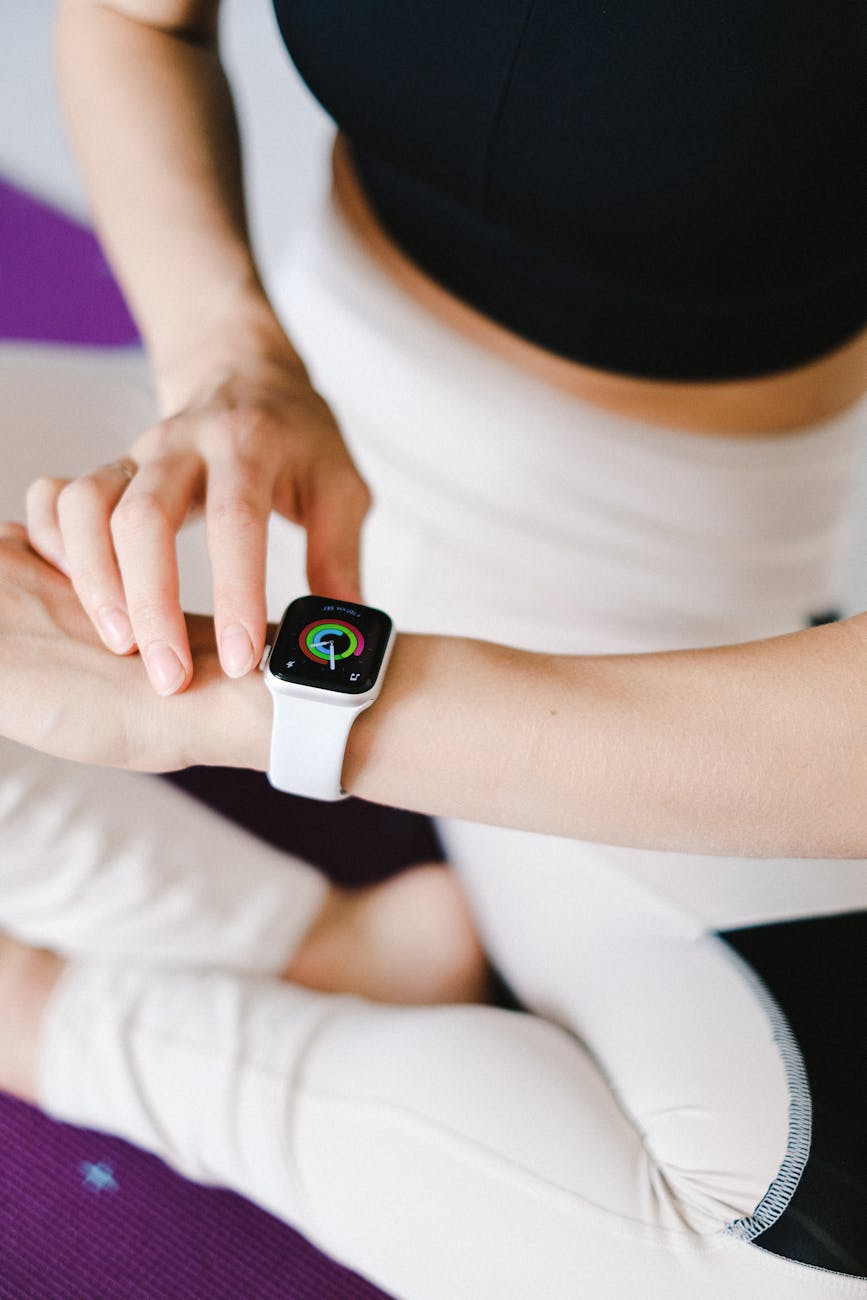
Maintaining your well-being is just as important as staying connected. Here’s how to keep your mind and body in check.
Fitness on the Road
- Workout Apps
Apps like Nike Training Club or 7 Minute Workout help you squeeze in quick exercise routines. - Portable Equipment
Consider packing resistance bands or a travel-friendly yoga mat to stay active. - Local gym
Many gyms offer flexible deals for people who are on the go. Reach to the local or expats community to find out the best options for you.
Mental Health and Relaxation
- Headspace or Calm: Meditation apps to help manage stress and ensure you get quality sleep.
- Forest: An app that encourages you to focus on tasks and spend less time on your phone.
Healthy Eating Habits
- Meal Prep: When possible, prep simple meals to save money and eat healthier. Airbnb rentals with kitchens are great for this.
- Healthy Snacks: Carry snacks like nuts, dried fruit, or protein bars for a quick energy boost.
Practical Travel Tips for Remote Workers

Lastly, some travel strategies can help make your journey smoother and more efficient.
- Pack Smart
- Packing Cubes: These keep your luggage organized and make unpacking a breeze.
- Minimalist Packing: Bring versatile clothing pieces that you can mix and match to reduce baggage.
2. Financial Management on the Road
- Wise (formerly TransferWise): A money transfer app that offers great exchange rates and is handy for managing payments across currencies.
- Revolut: A digital banking app perfect for travelers, with features like currency exchange and spending insights.
3. Travel Insurance
SafetyWing or World Nomads are popular choices for digital nomads, covering medical emergencies, lost baggage, and other travel-related issues.
Traveling while working remotely can be one of the most rewarding experiences, but it does require careful planning and the right technology. By equipping yourself with the right gear, connectivity solutions, productivity apps, and a focus on health and security, you can seamlessly blend work and travel without sacrificing productivity or well-being.
Embrace the adventure, stay connected, and enjoy the freedom of working from anywhere in the world. Happy travels and successful working journeys await! Feel free to share your thoughts, tips, or experiences—your feedback is always welcome.
 Nomadlytics
Leave a comment